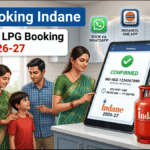
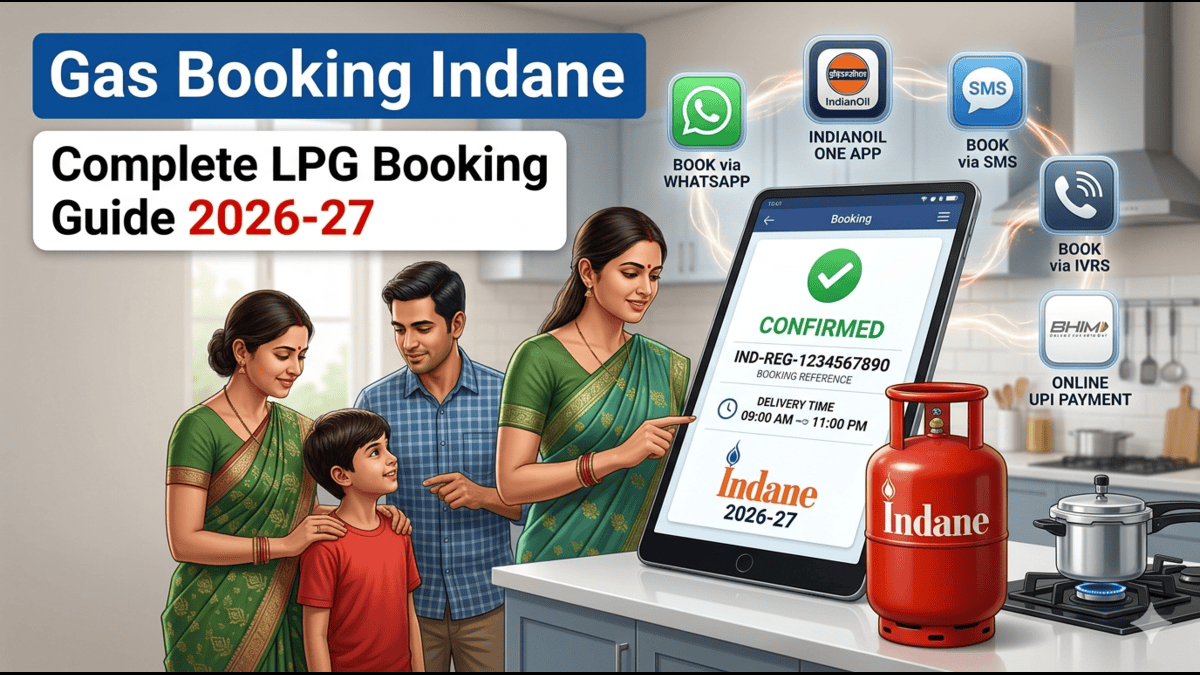
If you are looking for the easiest and most reliable way for Gas Booking Indane, this guide will help you understand all available booking methods, current booking restrictions, and the best channels for hassle-free LPG refill booking.
Table of Contents:
- Best Gas Booking Way in Present Situation
- How to Book a 10 KG Cylinder?
- When Can You Book After Receiving a Cylinder?
- How to Book Via Mobile App (IndianOil ONE)?
- How to Book Via WhatsApp?
- Common Booking Problems and Solutions.
Indane LPG Gas Booking – Available Booking Methods.
Indane LPG customers can book their refill cylinders through multiple channels:
- SMS Booking 7718955555,
- IVRS Booking 7718955555 | 8391990070 | 6350342110 | 7818870855
- Missed Call Booking 8454955555 | 8927225667 | 6350342935 | 7818865067
- WhatsApp Booking 7588888824
- Online UPI Payment Gpay, Phone Pay, PayTM, Amazon Pay etc.
- Indane Website www.cx.indianol.in
- IndianOil ONE Mobile App Indianoil one
These options are designed to make LPG refill booking quick and convenient for consumers.
Why Did Customers Face Booking Problems Recently?
During the last few months, global uncertainty in petroleum markets and concerns regarding crude oil supply created panic among consumers. Many customers started booking LPG cylinders in large numbers, fearing supply disruptions.
At the same time, the Government of India implemented several restrictions to ensure fair distribution of domestic LPG cylinders.
Current Booking Restrictions
| Cylinder Type | Minimum Days After Delivery |
|---|
| 14.2 KG Domestic Cylinder | 25 Days |
| 10 KG Cylinder | 18 Days |
| 5 KG Cylinder | 9 Days |
Other restrictions included:
- Temporary suspension of some new domestic LPG connections and DBCContact Us releases.
- Customers who had not booked LPG for more than 9 months were required to complete eKYC (Biometric Verification).
Because of the sudden increase in booking requests, many consumers experienced difficulties while booking refills. At times, booking servers became overloaded, resulting in booking failures and delayed confirmations.
To address these issues, Indian Oil Corporation Limited (IOCL) significantly increased server capacity and upgraded its digital infrastructure.
1.Best Gas Booking Way in Present Situation.
Although SMS, IVRS, and Missed Call booking services are still available, many consumers are reporting issues such as:
- Booking not getting confirmed.
- Booking reference number not being generated.
- Message received stating “Booking will be processed within 4 hours” but booking not completed.
- Delays in confirmation.
- Difficulty booking 10 KG cylinders through IVRS.
Based on current customer experience, the two most reliable methods are:
WhatsApp Booking
Benefits:
- Instant booking confirmation
- Immediate booking reference number
- Easy to use
- Live booking tracking
- Online payment options
IndianOil ONE App
Benefits:
- Refill booking
- Live booking status tracking
- Online payment and UPI payment
- Delivery history
- eKYC updates
- Complaint registration
- Customer profile management
For most customers, these two channels provide the smoothest booking experience.
2. How to Book a 10 KG Cylinder?
Many customers with Mixed DBC connections have reported that the 10 KG cylinder booking option is sometimes unavailable through IVRS.
If you are facing this issue, it is recommended to use:
IndianOil ONE App
These channels generally display all eligible cylinder options linked to your consumer account and provide a more reliable booking experience.
3. When Can You Book After Receiving a Cylinder?
As per the current booking policy, customers can place a refill booking only after the prescribed waiting period from the last delivery date.
Booking Eligibility
- 14.2 KG Domestic Cylinder – After 25 Days
- 10 KG Cylinder – After 18 Days
- 5 KG Cylinder – After 9 Days
If you try to book before the eligible date, the system may reject your booking request.
4. How to Book Via Mobile App (IndianOil ONE)?
The IndianOil ONE App is currently one of the best ways to book an Indane LPG refill.
Step 1: Download the App
Download the IndianOil ONE App from the Google Play Store or Apple App Store.
Step 2: Register Your Account
Register using:
- Registered Mobile Number
- Email ID
Verify your details and proceed.
Step 3: OTP Verification
An OTP will be sent to your registered mobile number.
Enter the OTP to verify your account.
Step 4: Create Password
Create a secure password.
Password Requirements:
- Minimum 8 characters
- At least one uppercase letter
- At least one lowercase letter
- At least one number
- At least one special character
Example:
Ind@1234
Step 5: Login
Login using:
- Mobile Number or Email ID
- Password
Step 6: Book Refill
After login:
- Select your LPG connection.
- Click on Refill Booking.
- Confirm the booking.
- Make payment online if required.
You can also track your booking status and delivery updates directly within the app.
5. How to Book Via WhatsApp?
WhatsApp Booking is one of the fastest and easiest methods available today.
Step 1: Register Your Mobile Number
Ensure your mobile number is registered with your Indane LPG connection.
Step 2: Save the Official WhatsApp Number
7588888824
Step 3: Open WhatsApp
Start a chat with the saved number.
Step 4: Type “Hi”
Send:
Hi
Step 5: Select Language
Choose your preferred language from the available options.
Step 6: Choose Refill Booking
The chatbot will display multiple options:
- Refill Booking
- Complaint Registration
- Booking Status
- Other LPG Services
Select Refill Booking.
Step 7: Get Instant Confirmation
Your booking reference number will be generated immediately.
You will receive:
- Booking Confirmation
- Booking Reference Number
- Payment Option (if applicable)
- Status Updates
This method is currently one of the most reliable booking channels for Indane LPG customers.
6. Conclusion
Indane LPG customers can book refills through SMS, IVRS, Missed Call, Website, WhatsApp, and the IndianOil ONE App. While traditional channels occasionally experience delays, WhatsApp Booking and the IndianOil ONE App provide the most reliable and user-friendly experience.
For quick confirmation, live status tracking, online payment options, and hassle-free service, customers are strongly encouraged to use WhatsApp Booking or the IndianOil ONE App for their Gas Booking Indane requirements.